
Attendance that isn't a separate app
Clock in from Slack or the browser. Breaks, late arrivals, work from home, short leave and day reports land on the same record — and feed payslips.
Private beta · built inside an agency
Time tracking, attendance, project boards, invoicing, payroll and a client portal for agencies — connected. An hour logged on Tuesday lands on the invoice, on the payslip and in the client’s portal without anyone retyping it anywhere.
Ask for early access
We open slots in small batches and set each agency up ourselves.
The problem
None of them know about each other. So somebody re-types Tuesday’s hours into the invoice, somebody else re-types them into the payslips, and the client gets a summary written by hand on a Friday afternoon. The work isn’t the problem. The retyping is.
How it works
Every step below is the same record moving forward. That is the whole idea — not a suite of apps that happen to share a login.
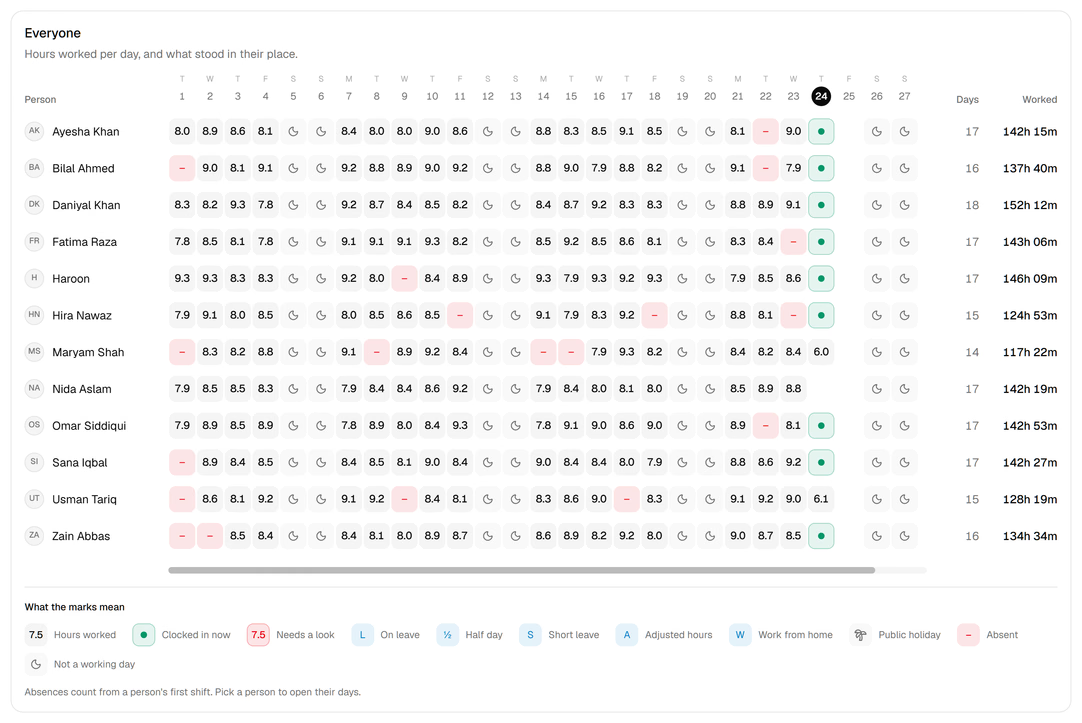
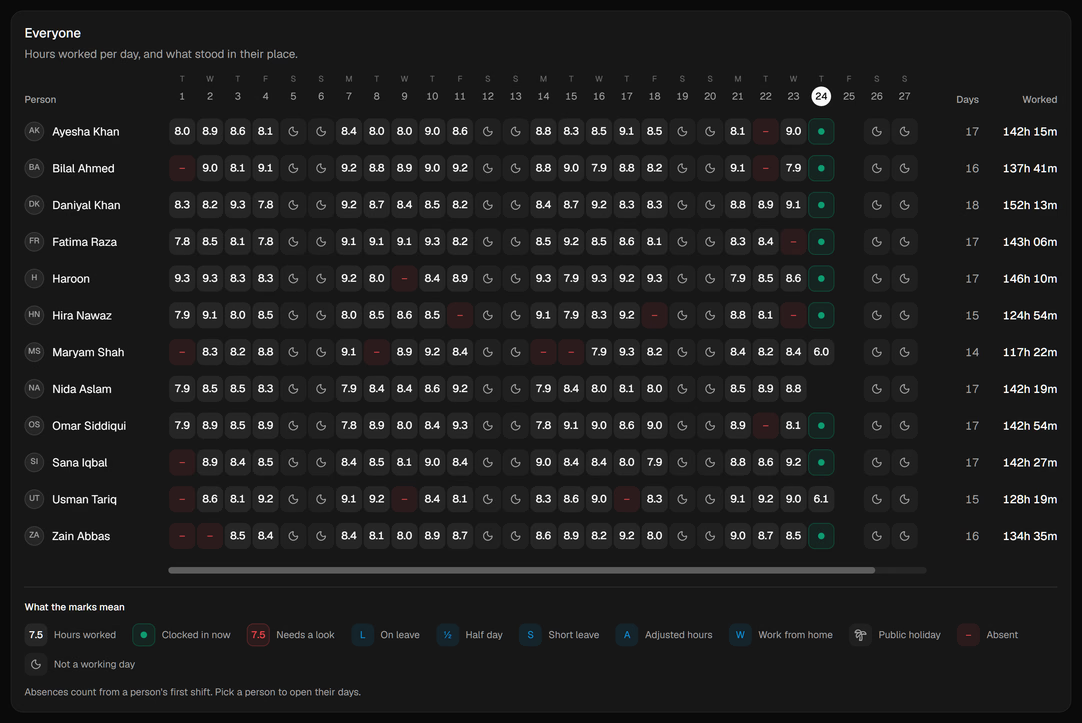
From the browser or a Slack message. Late arrivals, breaks, work from home and early finishes are all the same record — so a month is one grid: hours a day per person, and a mark wherever something stood in their place.
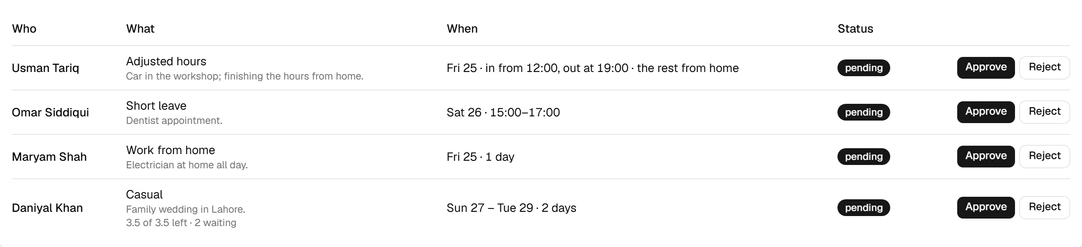
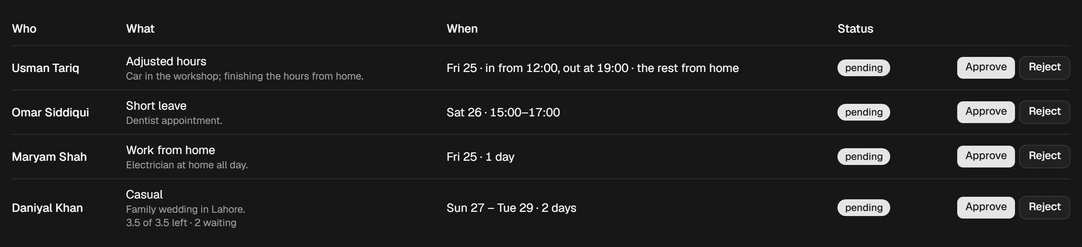
Leave, short leave, work from home and adjusted hours arrive in one queue with the reason attached and the balance already counted. Approve in the app or straight from Slack.
Boards per project, features priced fixed or hourly, and a rate that travels with the project. Progress is counted from the tasks, not from a status meeting.


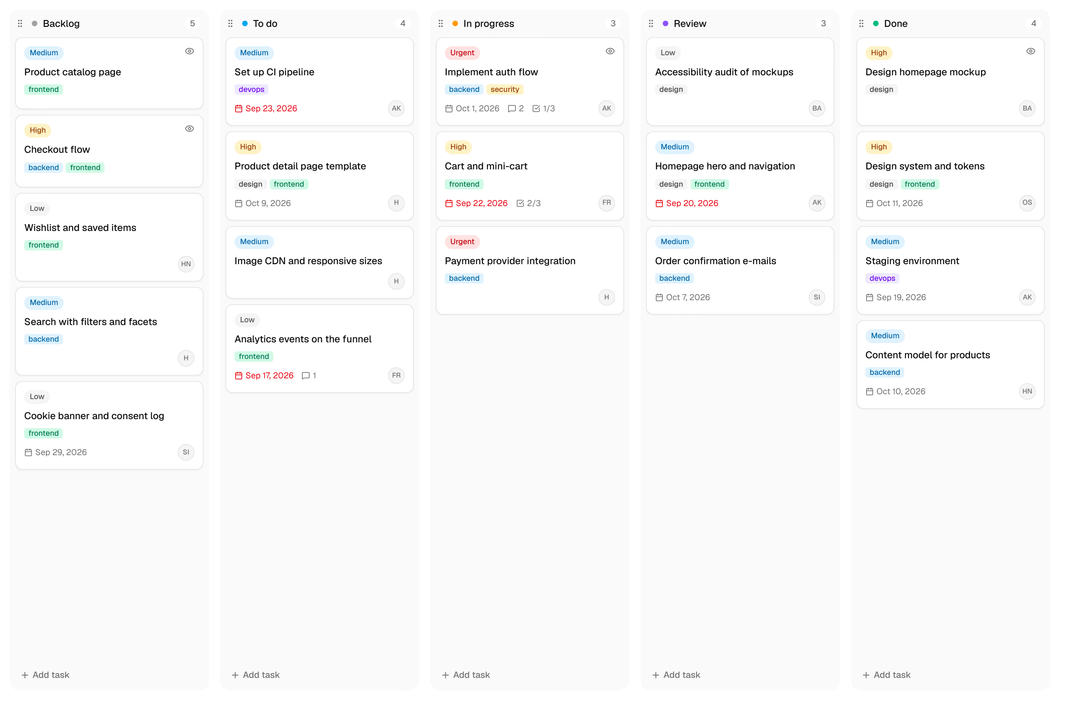
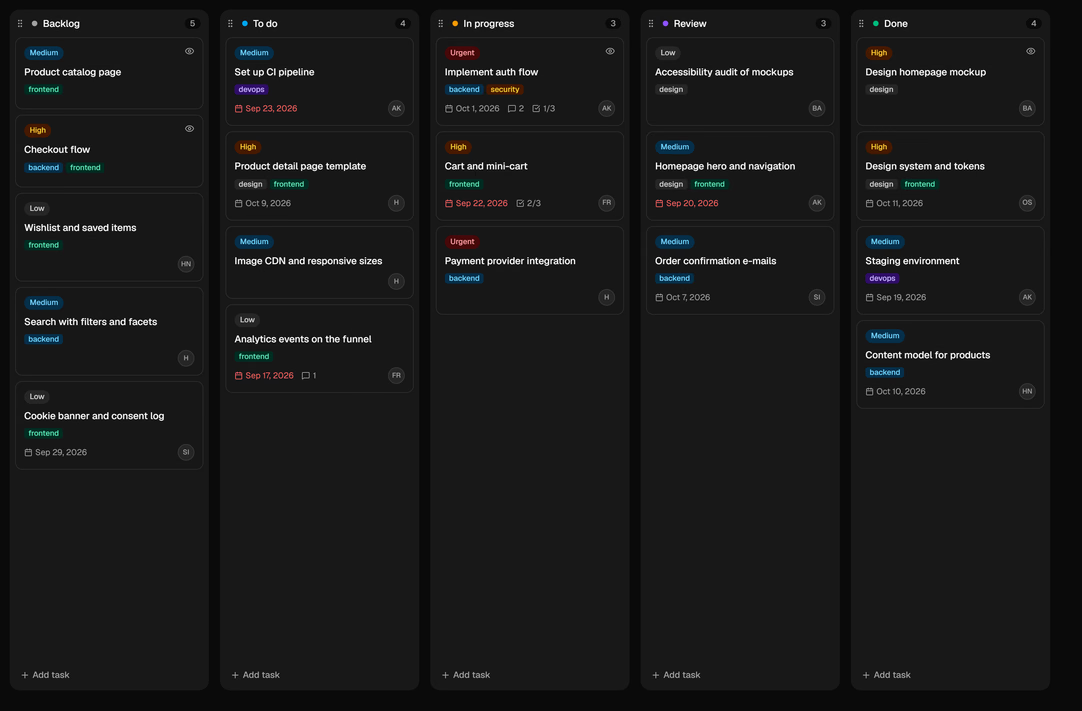
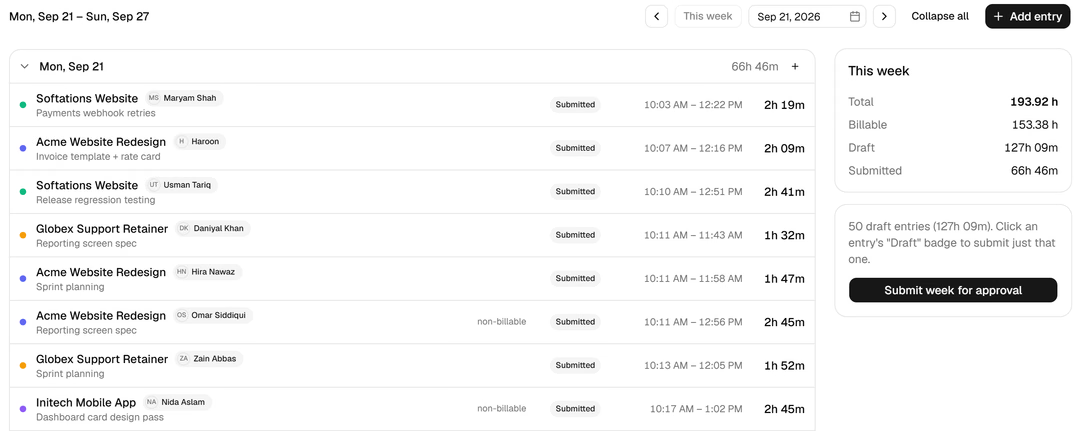
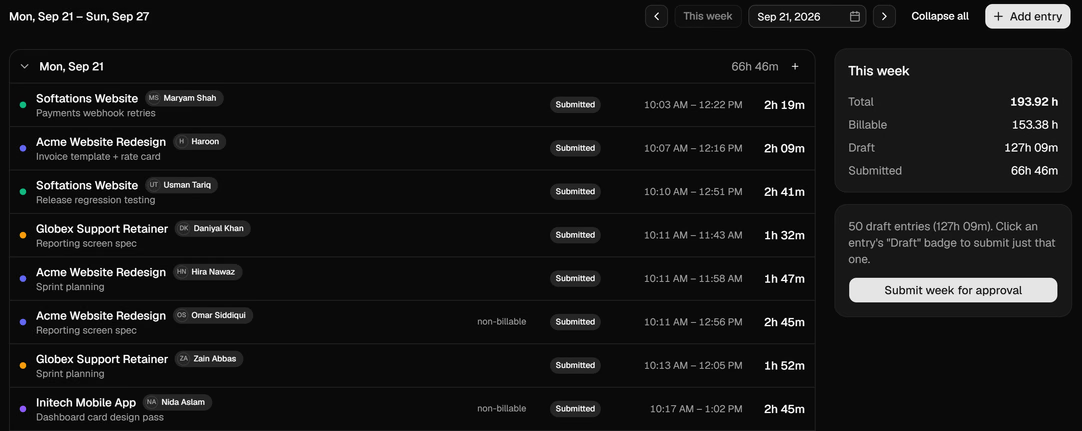
Start the timer from the task you're on, or add the entry afterwards. Each one carries its project, its task and whether it bills, and the week goes up for approval in one click. Only approved hours move on.
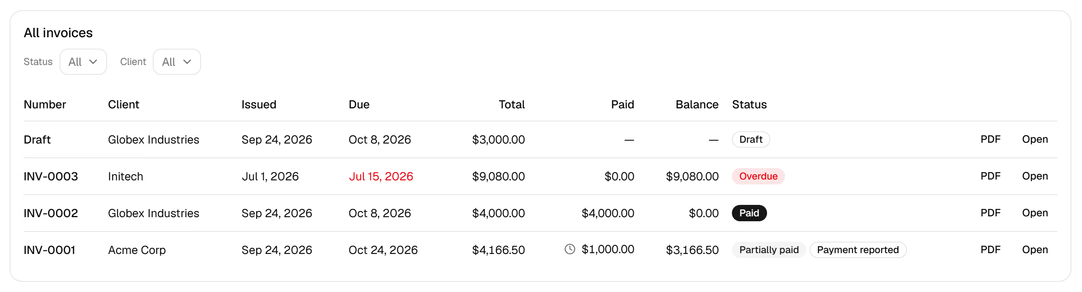
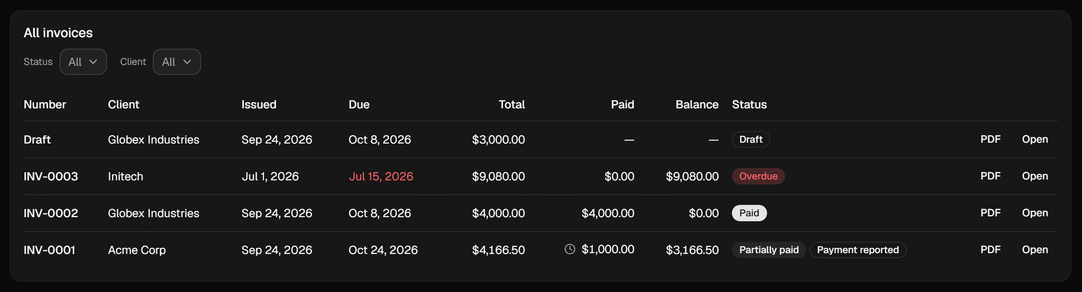
Approved hours and delivered fixed-price features become lines at the right rate, in the client's currency, on their terms. Sent, part-paid, overdue and reported-paid are states the system knows, not a colour in a spreadsheet.
One run a month from the same clock. Salaries pro-rated by day, hourly staff paid on approved time at their cost rate, unpaid leave deducted by the day or the hour. Finalise and the hours lock.


What your client sees
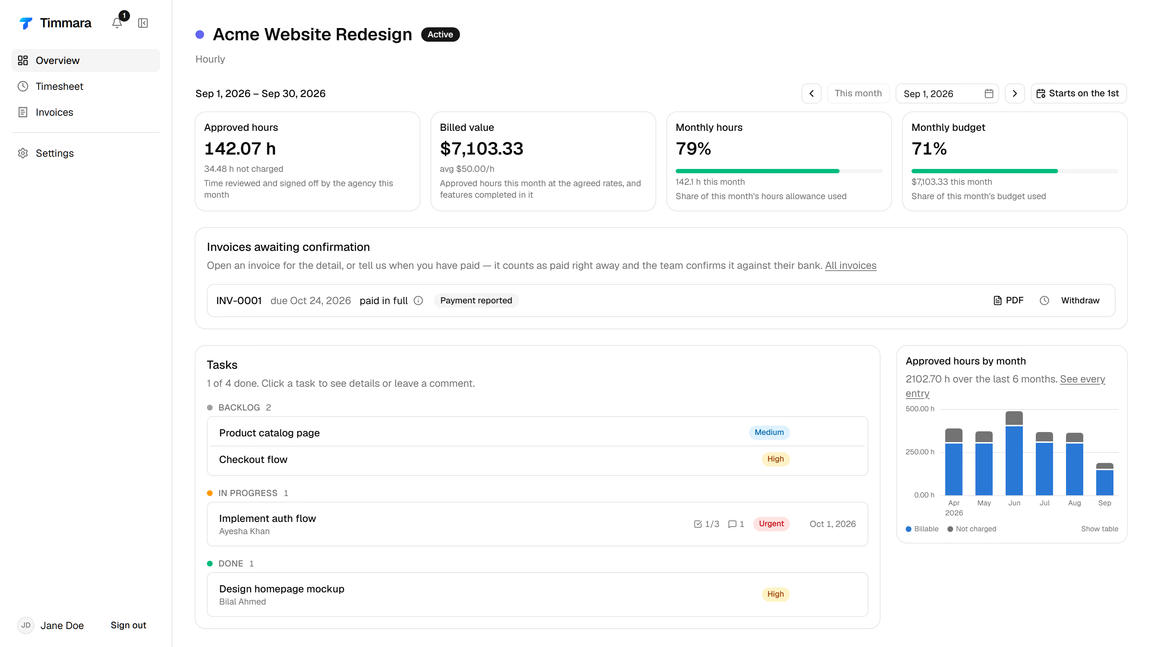
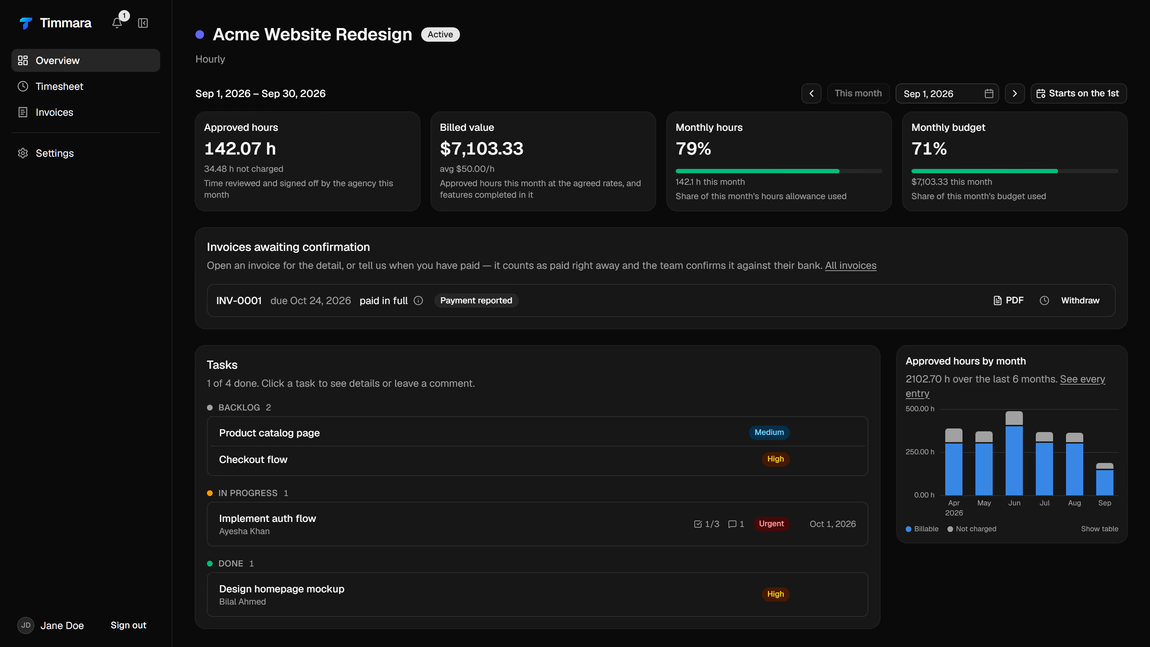
Clients log in to their own project: the hours you approved, the tasks you chose to share, their invoices and what is left of the month’s budget. They can propose work, approve a delivery and tell you they have paid — and each of those lands back on your overview as something to handle.


Who sees what
Most tools bolt permissions on afterwards. Every field here belongs to a role and the server refuses the ones that don’t — a client cannot see your margins by editing a URL, and an employee cannot see what anyone else is paid.
| Data | Admin | Employee | Client |
|---|---|---|---|
| Their own hours and tasks | Yes | Yes | Approved only |
| Everyone's hours | Yes | No | No |
| Billable rates and margins | Yes | No | No |
| Invoices and payments | Yes | No | Their own |
| Pay runs and pay packages | Yes | Own payslips | No |
| Attendance and leave | Yes | Their own | No |
| Project boards | Yes | Assigned | Shared tasks |
| Client contacts and contracts | Yes | No | Their own |
| Audit log | Yes | No | No |
Insights
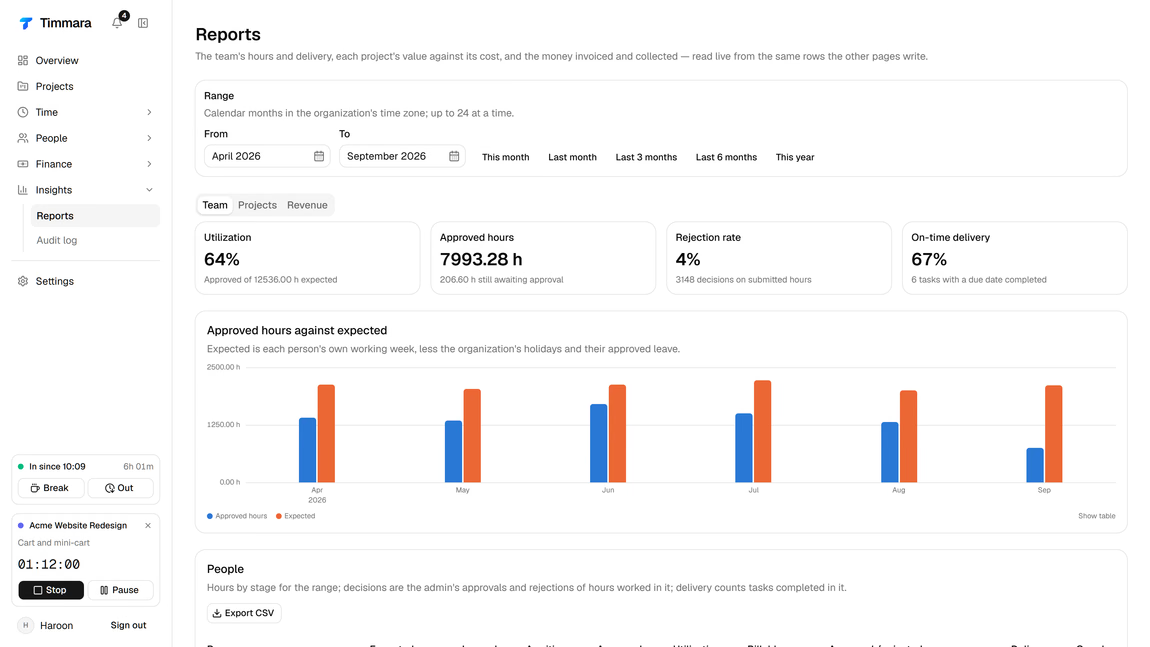
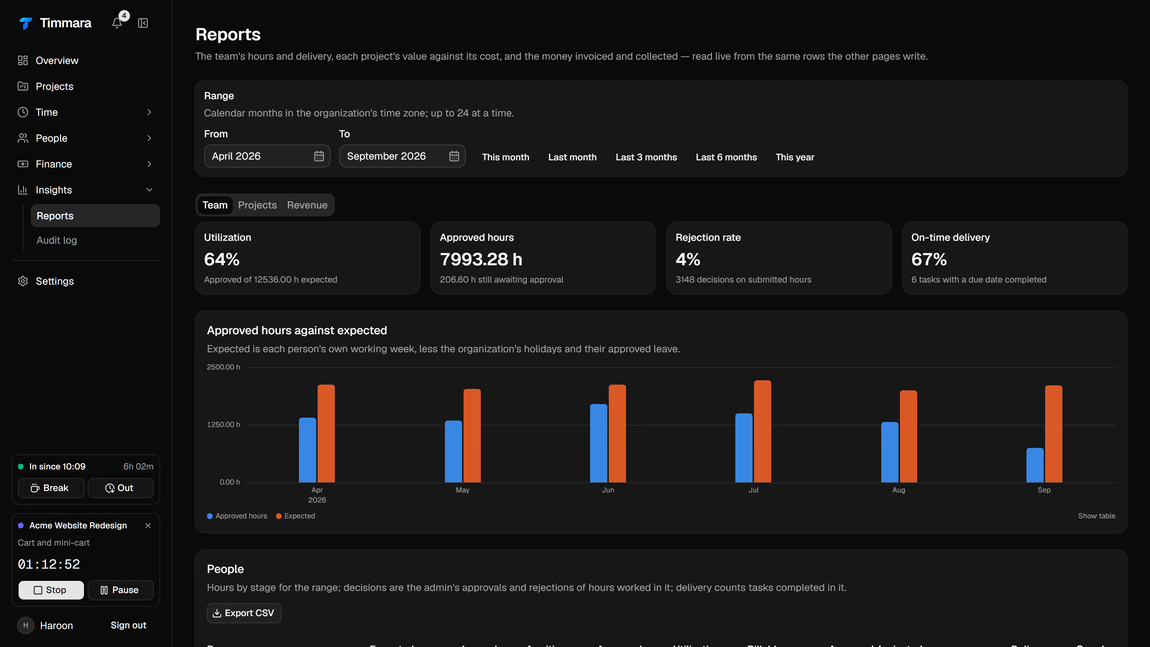
Read live from the same rows every other screen writes — no export, no reconciliation step, no separate analytics product. Expected hours come from each person’s own working week, less the holidays and the leave you approved.
Modules
Clock in from Slack or the browser. Breaks, late arrivals, work from home, short leave and day reports land on the same record — and feed payslips.
One running timer per person, a week view that fills in fast, and an approvals queue so the month doesn't end in an argument.
Tasks in columns you define, features priced fixed or hourly, and a delivery-and-review flow that ends in a sign-off you can bill from.
Approved time and delivered features become lines at the right rate, in the client's currency, on their payment terms. Sent, paid, overdue — tracked.
Salary and hourly packages, unpaid leave deducted by the day or the hour, payslips out the other end. Finalise a month and the hours lock.
Clients see the tasks you share, the hours behind them and their own invoices. They can propose work and approve deliveries themselves.
Leave, short leave, work from home, forgotten clock-outs and adjusted hours. Approve from the app or straight from Slack.
Rules that fire on what happened — a task stuck in review, an overdue invoice, a working day with no hours logged — into Slack or e-mail.
Every approval, rate change, invoice and pay run is recorded with who did it and when. Reports are counted from that trail, not re-derived.
Where it came from
Timmara is what runs our own agency. It started because invoicing took two days a month and half of that was reading back through chat logs to work out what anyone had done.
Every part of it exists because something went wrong first: hours that never reached an invoice, a month of payslips rebuilt by hand, a client asking what they were paying for and nobody having a straight answer.
It has been running our agency in production for months. Now we’re opening it to a few more.
Timmara, by Softations
Questions
The product is live and running a real agency every day — it is not a prototype. What is not finished is onboarding at scale, so we take agencies a few at a time and set each one up with you rather than dropping you into an empty account.
We have not set pricing yet, and we would rather say that than invent a number. Everyone on the waitlist gets the price before they get the invitation, and nobody is charged during the beta.
No. Most agencies start with attendance and time, because those hurt most and depend on nothing else. Invoicing, payslips and the client portal can come later, once the hours are already flowing.
Clocking in and out, breaks, day reports, leave requests and approvals all work from Slack. If your team lives there, they may never open the app.
Only the ones you approve, on the projects and tasks you choose to share. Clients never see rates, margins, your other clients, or anything about your team's pay.
Your data is yours. Hours, invoices and pay runs all export to CSV, and invoices and payslips to PDF, without asking us.
Private beta
We open slots in small batches and set each agency up properly. Tell us how you run things today and you move up the queue.